

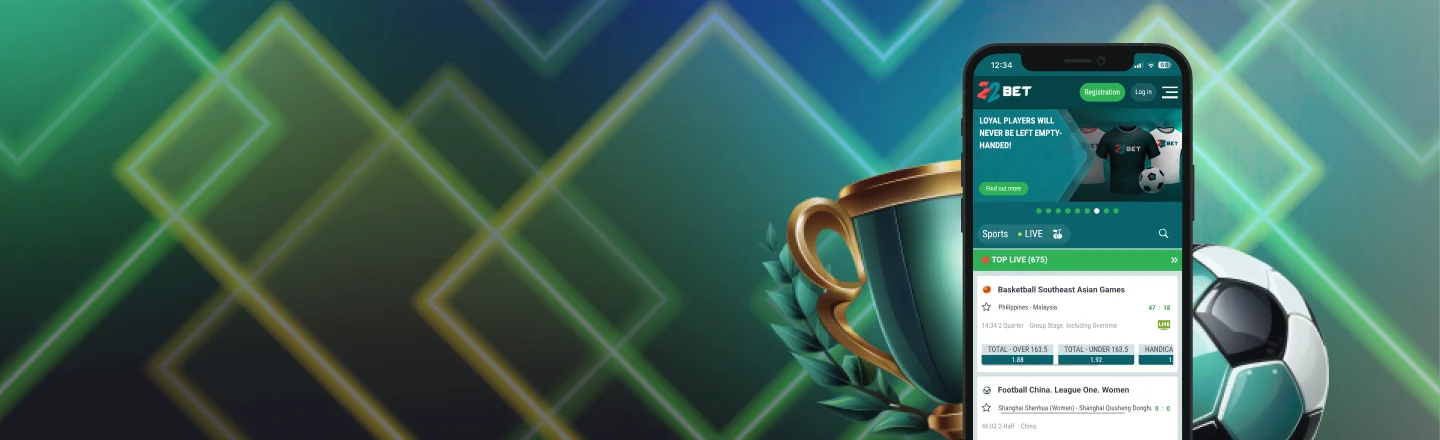
22Bet App
Here’s everything you need to know about 22Bet NG mobile gaming. Learn about installation steps, compatible devices, and mobile betting tips!

Playing on the go with 22Bet is easier than ever, thanks to its range of mobile apps built for Nigerian players. You can track your bet slips in real time, jump into the casino whenever you’re in the mood, and rely on push notifications to keep you updated without any effort.
The apps run smoothly on a wide range of devices, so if you’re using Android 14.0 or iOS 12.0, you’re good to go. One quick note: you won’t find the Android app on the Play Store due to platform restrictions, so don’t bother searching there. Stick around as we break down everything you need to know about using 22Bet on mobile.
Mobile App for Android
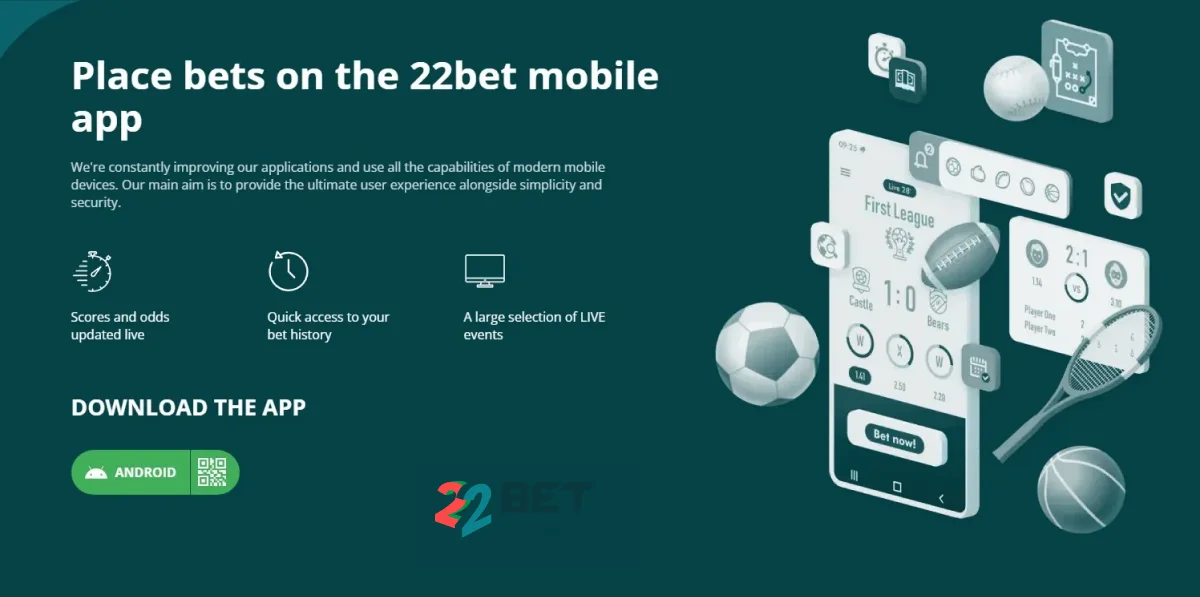
Getting the Android 22Bet app is straightforward once you’re on the official mobile page. The download file is compact, and within minutes, you can be browsing live markets or withdrawing your latest jackpot right from your phone.
How to Download and Install
To install the Android app:
- First, open the official 22Bet website and go to the mobile app section.
- Before downloading, temporarily enable “Install from unknown sources” in your device settings.
- Next, click the Android button to download the 22Bet APK file.
- Once the file downloads, open it and press “Install.”
- Afterwards, log in or register, and start betting.
For security, switch off unknown sources again after setup. You can use the Progressive Web App (PWA) if you don’t want an APK:
- Launch the site in your web browser and let it load.
- Go to your browser menu, and click the “Add to Home Screen.”
- When you tap “Add,” the shortcut will be added just like a regular app icon.
- When you open it, it runs in full-screen mode like a native app.
Compatible Devices for Android Users
To run the 22Bet application, your phone must have Android 14.0 or later and at least 1 GB of RAM. The app is small (about 100–200 MB), but having extra free space helps it load faster.
It works on most modern Android phones, including Samsung, Xiaomi, Tecno, Infinix, Oppo, and Google Pixel, as long as the OS and storage requirements are met.
Mobile App for iOS
You can find the 22Bet casino app on the Apple App Store or in the mobile section of the official website on your iPhone or iPad. Since the app is available in the Nigerian App Store region, trying the mobile web version instead is entirely a matter of choice.
How to Download and Install
Here’s how you can download and install the 22Bet app for your phone in four steps:
- To access 22Bet, launch the App Store and search for the app.
- Hit “Get” to begin your 22Bet app download.
- Verify using Face ID, Touch ID, or the password associated with your Apple ID.
- Once it finishes installing, open the app and log in or register to start betting.
Most iPhones and iPads running iOS 12.0 or later with some free space are compatible with the app. Though the native app is available in Nigeria, you can still use the 22Bet Progressive Web App (PWA) right from your browser. It works just like an app without installing anything from the App Store:
- Just open your iPhone’s Safari browser.
- Go to the official 22Bet site, and it loads a mobile‑ready version with betting, casino, and account tools.
- You can then add it to your home screen for easy access.
The PWA is convenient, especially if you don’t want to download 22Bet software:
- Open Safari and visit the 22Bet site.
- Tap the Share button (bottom middle).
- Choose Add to Home Screen. Afterwards, confirm, and now you have an app‑like icon.
The PWA provides nearly all the functionality of the native app and keeps your session available without taking up extra space.
Compatible Devices
To use the 22Bet iOS app, you need an Apple device running iOS 12.0 or later and sufficient free space to run the app without issues. Most modern iPhones (including iPhone 7, 8, XR, 11, 12, 13, and 14) and iPads running iOS 12.0 or later are compatible. Ensure Wi‑Fi or mobile data is stable before downloading, as this helps the installation complete faster.
Sign UpFeatures of the 22Bet App
Some core features you’ll observe after you download 22Bet APK include:
- Placing your bets on sporting or live events without needing a browser.
- A clean interface that allows you to sift through games quickly.
- Playing live games like roulette or blackjack on your device from anywhere.
- Depositing and withdrawing quickly with local and international payment methods.
- Receiving notifications of big wins and promotions on the spur of the moment.
- Keeping records of your bets and managing your account from one place.
So, next time you want to check on how your live bets on a Champions League match are progressing, you can either swipe to your app or wait for push notifications to get the information.
Registration Process Via the App
Signing up at 22Bet is hassle-free. Here’s all you need to do to create an account:
- Open the 22Bet app and tap “Registration” at the top of the screen.
- Select “By phone number,” then enter your valid Nigerian mobile number.
- Create a strong password you’ll remember.
- Choose ₦ (Naira) as your currency.
- Enter the SMS code sent to you to finish signing up.
After you sign up on 22Bet, you’ll eventually need to do KYC (identity) checks before you can withdraw money or use all features. You can upload your ID (e.g., NIN or passport) and, in some cases, proof of address to your profile. 22Bet typically reviews it within 24–72 hours, though complete documentation can expedite the process. Make sure your details match exactly what’s on your ID.
Sign UpMobile Website Version
If for any reason you don’t want the app but still want to retain mobile access, you’re covered. Fortunately, the 22Bet NG mobile website is fully compatible with smartphones and tablets. So, whether you’d like to join the weekly slot promotions or place bets on a Premier League match, hop on your browser and get started.
Some core features you’ll find include:
- Full sportsbook and live betting access.
- Casino games and live dealer titles right in the browser.
- Account management and payments that don’t disappoint.
- Promotions and bonuses are available to boost your bets.
Even though the mobile site doesn’t require downloads or updates, it still offers the same markets and tools on any phone with internet access.
Mobile Games to Play at 22Bet
The 22Bet mobile games include your favourites, spanning slots, table games, and live dealer options. Modern software providers often develop their games to work without issues on smartphones. So whether you opt to spin Sweet Bonanza, Book of Dead, or simply hit 21 with a live dealer, the mobile section has you covered.
Here are more details:
- Quick titles such as crash and turbo games (Aviator and Plinko) that pay instantly are available.
- Live dealer games, including roulette, blackjack, baccarat, and poker, are streamed to your screen.
- There’s an option to play slots in demo mode before wagering real money.
- Many 22Bet games are from top developers, so you have top-of-the-line performance.
Unsurprisingly, mobile performance depends significantly on your RAM, storage, and connection. If you have more RAM and free space, then loading times will be faster.
Sign UpMobile Betting
After you download 22Bet app, here’s how to go about your bets:
- Open the 22Bet app or mobile site and log in.
- Pick your sport and browse available events.
- Tap a match to see betting options.
- Enter your stake and confirm your bet.
- Track it in your betting slip.
22Bet’s mobile sports section offers a vast range of markets across 30+ sports, including football, basketball, tennis, MMA, cricket, and niche options. Plus, you can bet on eSports and virtual games easily from your phone. Mobile live betting doesn’t disappoint, letting you place in‑play bets as games run, with odds updating in real time.
Here are some practical tips to maximise your mobile betting:
- Start with small stakes until you get the hang of the app.
- Check the odds carefully before placing any bet.
- Use the live betting section to react to games in real time.
- Keep your account details and password secure at all times.
- Take advantage of promotions and bonuses for extra value.
Lastly, remember always to track your bets and review your wins and losses regularly. That way, you know where you stand with your finances, and you can reduce your risk of developing any gambling addiction.
Common Questions
Why can’t I find the 22Bet Android app on the Play Store?
Is it possible to use 22Bet without downloading the app?